A theme for VS Code based entirely on personal preferences. It is not published to the extension marketplace right now, partly because that path involves creating accounts and more steps than is needed. There is a vsix theme package available below if you would like to take if for a spin yourself.
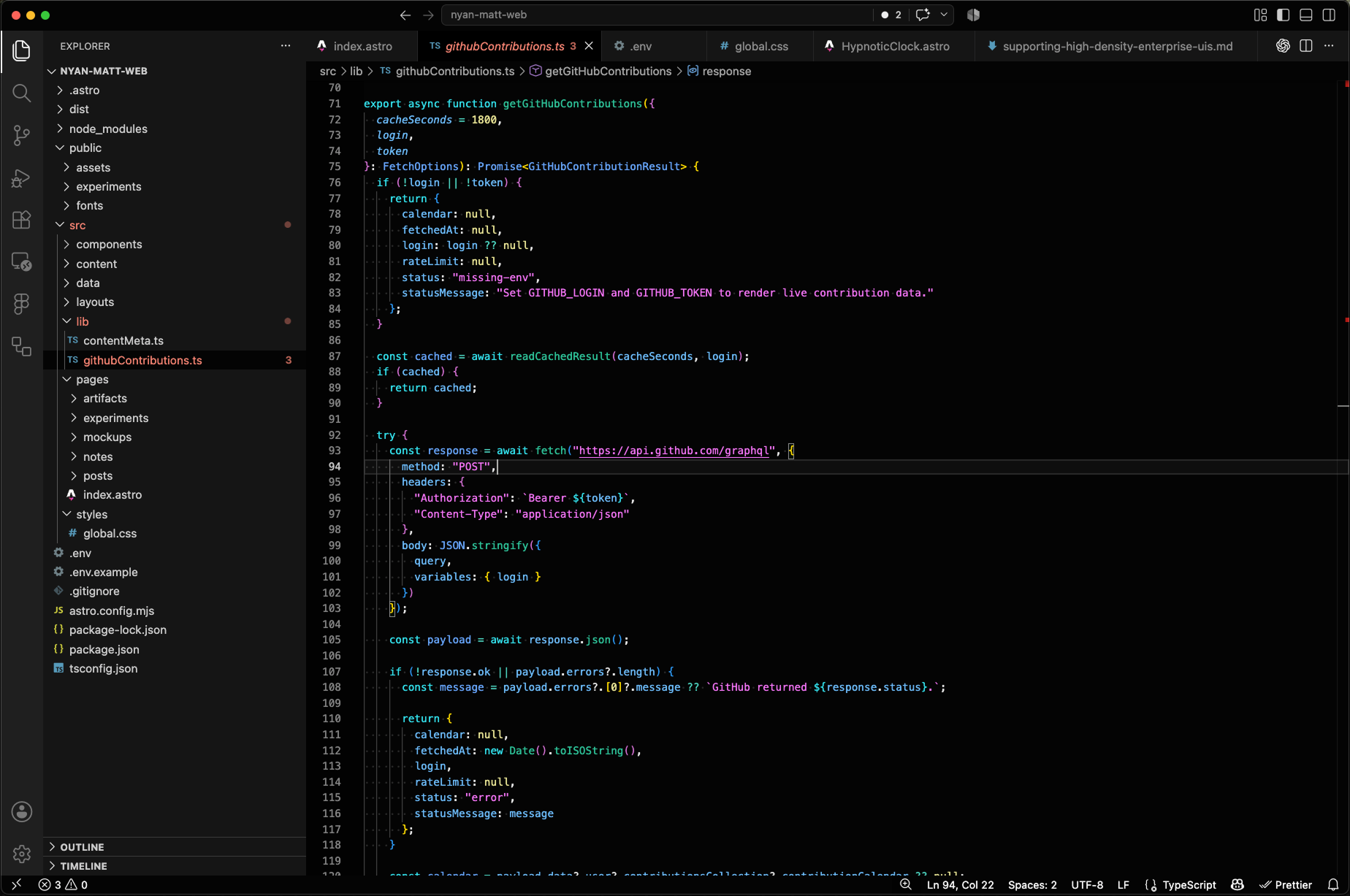
Applied theme example.
Local install
This theme is not published to the VS Code Marketplace. To try it locally, download the .vsix file and install it directly.
Using the command line:
code --install-extension nyan-matt-theme-0.0.2.vsixOr from VS Code:
- Open the Extensions panel.
- Open the
...menu in the panel header. - Choose
Install from VSIX.... - Select the downloaded
nyan-matt-theme-0.0.2.vsixfile. - Choose the theme from
Preferences: Color Theme.
The raw theme JSON is included separately for inspection or tinkering, but the .vsix is the easiest way to install it.